
As technology advances, so does the software we use every day. Windows 11 has hit the scene, promising a sleeker interface and features that can make your laptop experience smoother than a freshly buttered biscuit. But, not all laptops are created equal when it comes to this new operating system. So, which ones should you consider for your upgrade? Buckle up as we investigate into the world of laptops compatible with Windows 11, complete with features that make this OS a game-changer.
Overview of Windows 11
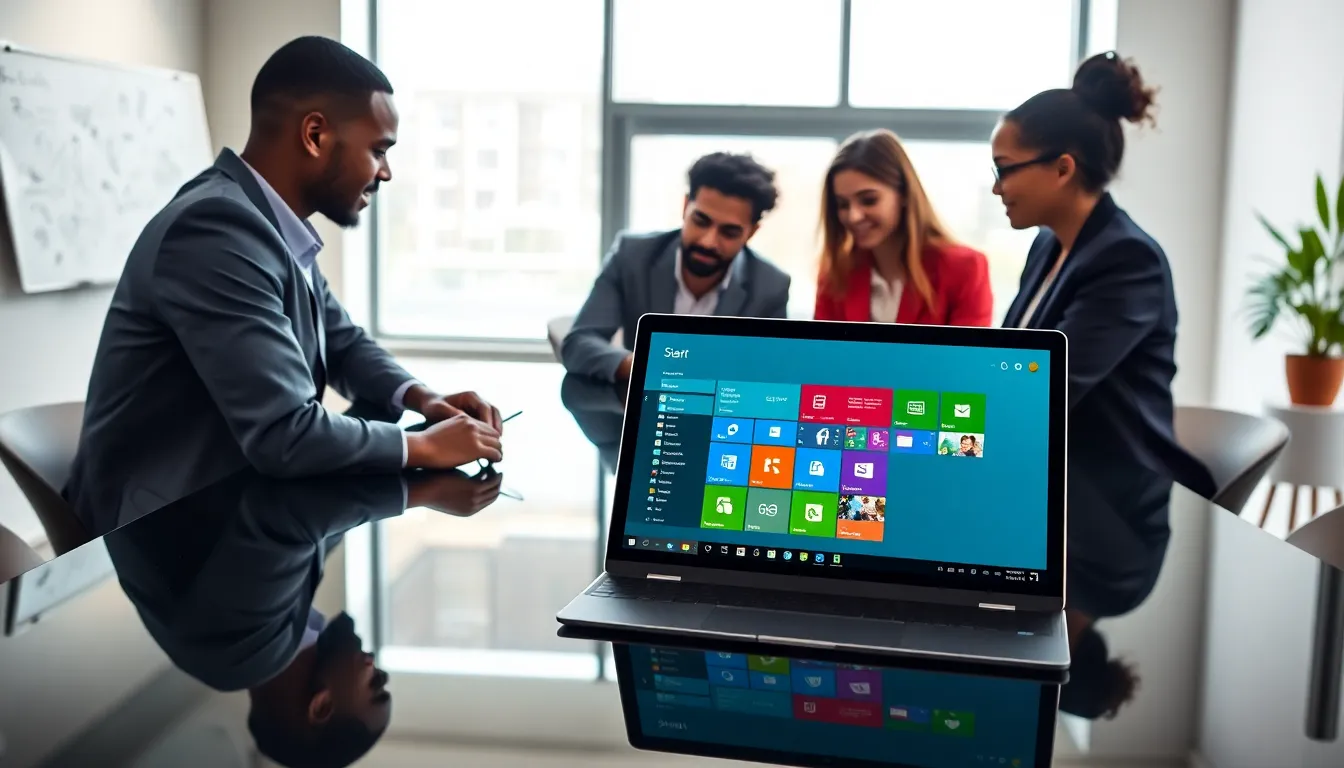
Windows 11 thrives on user experience, introducing a vibrant design that simplifies navigation and enhances productivity. The reimagined Start Menu alone is worth a nod, taking a central position on your screen and offering a fresh feel. This aesthetic upgrade is not just for show: it brings functionality that keeps your tasks organized while pointing you toward frequently used apps and documents.
Key Features of Windows 11
Windows 11 is packed with exciting features that elevate both use and aesthetics. First off, Snap Layouts allow users to multitask more efficiently by organizing app windows into a structured layout. Fancy a split-screen view? Just snap windows into different segments and voilà. Next, let’s talk about Widgets. They provide personalized news, weather, and calendar updates at a glance, accessible from the taskbar.
Besides, Windows 11 includes integrated Microsoft Teams right into the taskbar, making virtual meetings a breeze. Gamers will appreciate DirectStorage support, which drastically reduces load times. Overall, Windows 11 is designed for a seamless experience, blending work and leisure seamlessly.
System Requirements for Windows 11
To jump into this upgraded ecosystem, ensure your laptop meets the system requirements. Windows 11 requires:
- A compatible 64-bit processor with at least 1 GHz and two or more cores.
- 4 GB of RAM.
- 64 GB of storage.
- A DirectX 12 compatible graphics card.
- TPM version 2.0.
- A display larger than 9 inches with HD resolution.
If your laptop ticks these boxes, you’re good to go.
Benefits of Upgrading to Windows 11
Upgrading to Windows 11 isn’t just about looking shiny and new. It brings several practical benefits that can improve day-to-day usage.
For starters, the enhanced security features in Windows 11 help protect against ransomware and other threats. Built-in tools like Windows Hello help a quicker, more secure way to login using facial recognition or fingerprint scanning.
Also, battery efficiency is optimized, meaning you can enjoy more productivity without being tethered to a charger. Plus, gaming enthusiasts will delight in the improved performance that Windows 11 has to offer. Whether it’s auto-HDR for better graphics or the redesigned Xbox app, gamers are in for a treat.
Finally, with frequent updates and added features, Windows 11 ensures that users have access to the latest tools that enhance both work and play.
Best Laptops for Windows 11
Finding the right laptop to run Windows 11 can feel overwhelming, but fear not. Here’s a curated list to help you navigate the choices available.
1. Premium Laptops
For those with no budget constraints, consider the Dell XPS 13. It combines an ultra-slim design with powerful performance and stunning visuals, making it perfect for both work and entertainment. Another great option is the MacBook Air M1: while it primarily uses macOS, it’s compatible with Windows 11 via Boot Camp, providing a unique cross-platform experience.
2. Budget-Friendly Options
If you’re looking for something more wallet-friendly, check out the Acer Aspire 5. It offers a reliable performance without very costly. The HP Pavilion x360 is another good pick: it’s a 2-in-1 that allows for versatility between laptop and tablet modes, making it an excellent choice for students or casual users.
3. Gaming Laptops
For gaming aficionados, the ASUS ROG Zephyrus G14 provides astounding graphics and performance, giving you an edge in competitive play. Coupled with Windows 11’s gaming features, it turns casual sessions into epic adventures.
4. Laptops for Professional Use
Business professionals might lean towards the Lenovo ThinkPad X1 Carbon. Known for its durability and excellent keyboard, it’s an ideal companion for long working hours. Also, it runs Windows 11 seamlessly.
Choosing the Right Laptop for Your Needs
When it comes to choosing the right laptop for Windows 11, think about your needs first. Are you a casual user who checks emails and streams Netflix? Or do you require a heavy-duty machine for design work or gaming?
Start by evaluating your usage. Casual users can opt for mid-range laptops with decent specifications, while power users should consider high-end models. Battery life is also a crucial factor. If you need to work on-the-go, opt for laptops known for longevity.
Finally, don’t forget about the weight and design, especially if you plan to travel with your machine. Lightweight, sleek options are available that still pack a powerful punch.